
When you have the Lean library plugin installed, a new Floating Action button (FAB) is displayed at the right side of every webpage where the plugin is active, meaning that a link to full-text, an (Open Access) alternative is available or a citation.
When direct PDF download is possible, the FAB displays an arrow.
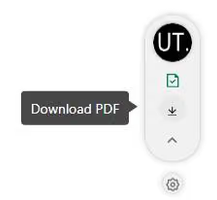
To control the behaviour of this button, click the settings when hovering over it.
Choose to pause it, or block a (web)site.
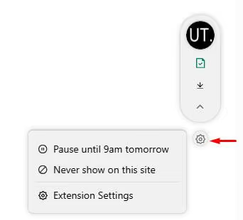
When opening the extension setting,
decide whether you want to show the Floating Action Button.
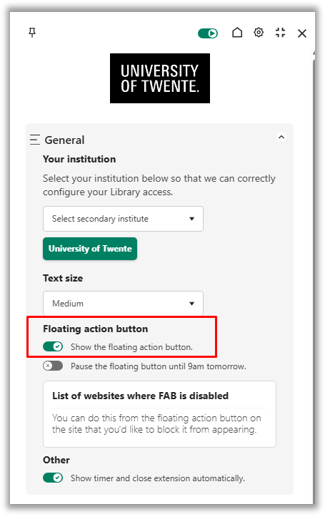
When disabled, it’s always possible to check Lean Library options, by clicking the plugin/extension setting at the top of the browser window.
N.B. to force updating the extension, restart your browser
Lean Library can be used on multiple browsers, like Chrome, Edge and Firefox i.e.
When using Firefox, active consent will be asked before installing and using the plugin based on the requirements regarding the collection of anonymous data. Please be aware of this.


